How to Specify a Server Rack: RU, Depth, Load, Cable Entry and Cooling
A practical guide to specifying server racks: height in RU, depth, load, doors, locks, cable entry, power and cooling, plus how to configure online.
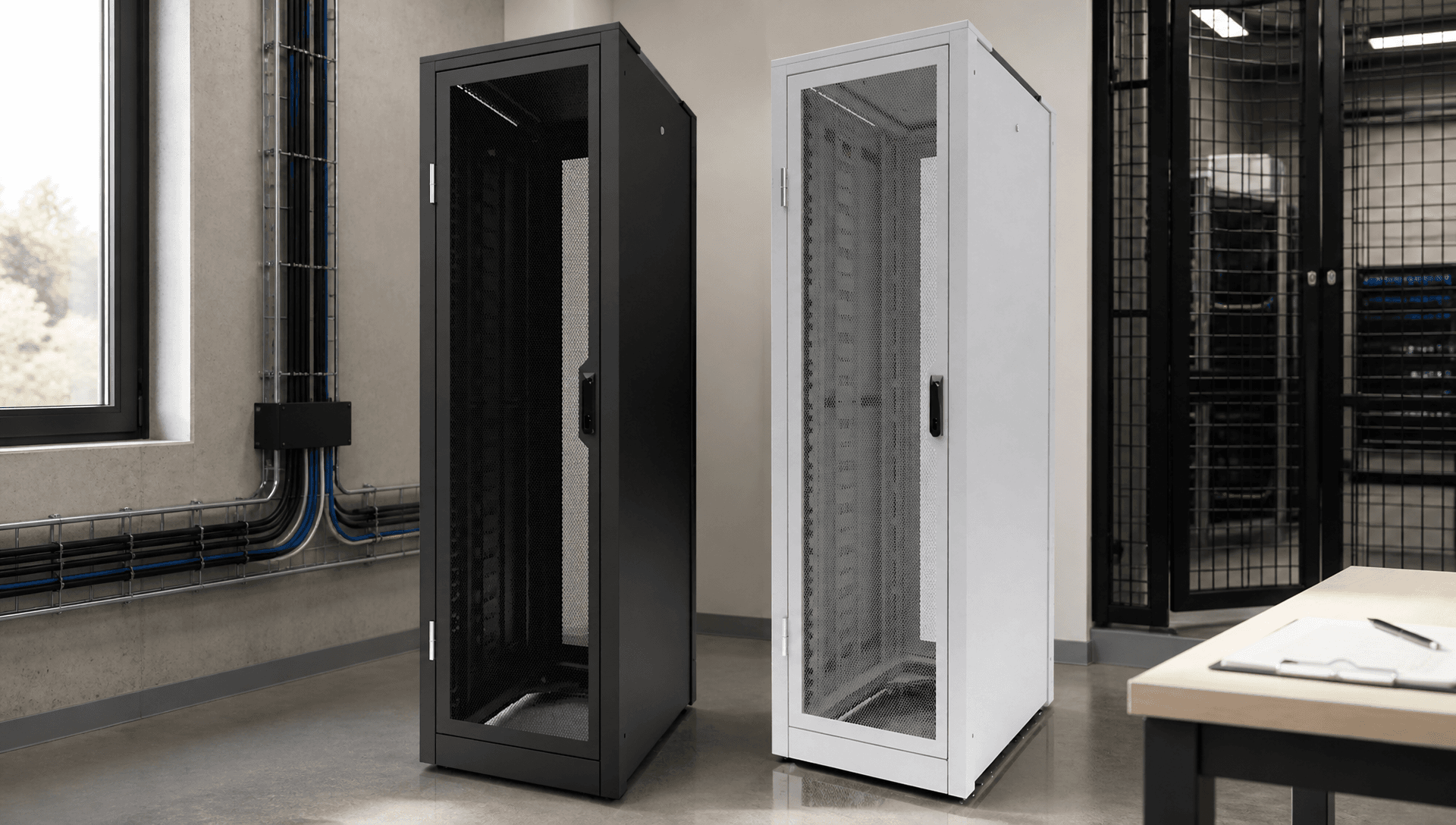
A server rack specification often gets reduced to "42RU, 800 deep, black". That's a start, but it leaves out most of what determines whether the rack works on the day and for years after. Here's a fuller checklist, with notes on how Argent racks address each point.
Start with the equipment list
List every device: model, height in rack units, depth, weight, power draw and airflow direction. Add expected growth over the rack's life. Everything else follows from this list.
Height (RU)
One rack unit (RU) is 44.45mm, as defined by the IEC 60297 standard for 19-inch equipment. Add up your equipment and include space for patch panels, cable managers, blanking panels and growth. 25–30% spare is a common rule of thumb.
Argent's 50 Series security racks are available as wall-mount units in 6, 12 and 18RU, and as freestanding racks from 18 to 46RU. The 40 Series open-frame rack is 45RU standard.
Depth and width
Measure your deepest device, then add space for cables and power at the rear. Argent 50 Series depths range from 700mm to 1200mm. Wider racks give room for vertical cable management, which is especially useful in high-density patching.
Load
Total the equipment weight and add a margin. The Argent 50 Series is rated to 1200kg. Remember the floor has to carry the load too, particularly on raised floors and upper storeys.
Doors and access
- Perforated doors support front-to-back airflow.
- Solid or glazed doors suit dusty or visible locations.
- Door swing: check clearance in the room. Argent 50 Series doors open past 180°.
- Rear access: wall-mount cabinets can include swing frames, such as the C Class wall-mount cabinet.
Locks and security
Choose standard locks for general environments, combination locks for controlled access, and SCEC-endorsed locking for security-classified environments. The Argent 50 Series uses KABA X10 combination locks for Class B, or Bi-Lock handles for Class C (details). For sensitive devices in shared racks, the patented V50 Data Vault adds a lockable enclosure inside any 19" rack.
Cable entry and management
Decide whether cables enter from the top or bottom, how many there are and how they're protected. In SCEC racks, cable entries must be compliant, so you can't just drill holes. Argent provides options guides for SCEC cable entries, and has designed a baffle system giving 18 entry ports where needed (case study). For open frames, the 40 Series offers scalable cable manager ducts from 529 to 1,634cm².
Power
Plan PDUs for the total load with redundancy. Argent's in-post PDU mounts power within the rack post, freeing rack space for equipment. It's a popular feature in projects such as Sydney Trains.
Cooling
Match cooling to heat load. Options include perforated doors, thermostatically controlled fans and, for higher densities, hot or cold aisle containment. Argent's article on hot aisle containment explains the approach.
Configure it online
Argent now has six online configurators, covering the 10, 25, 40 and 50 Series, the V50 Data Vault and the Commercial Data Cage. They're part of OPIE Manufacturing Group's 45-configurator platform. The configurators only offer valid combinations, giving you a firm starting point fast. Start in the OPIE configurator.
Frequently asked questions
How much spare space should I leave in a rack? Many designers allow 25–30% spare RU for growth, plus space for cable management and airflow.
Should I choose top or bottom cable entry? It depends on the room: overhead cable trays suit top entry, and raised floors suit bottom entry. Plan entries before ordering, especially for SCEC racks.
What's the difference between a 2-post and a 4-post rack? 2-post frames suit lighter patching and network equipment. 4-post frames support deeper, heavier equipment such as servers.
Can I change the configuration after ordering? Talk to us as early as possible. Changes are easier before manufacturing starts.
For anything unusual, such as dual-compartment racks, custom entries, special colours or pre-loading, talk to Argent's engineers.
